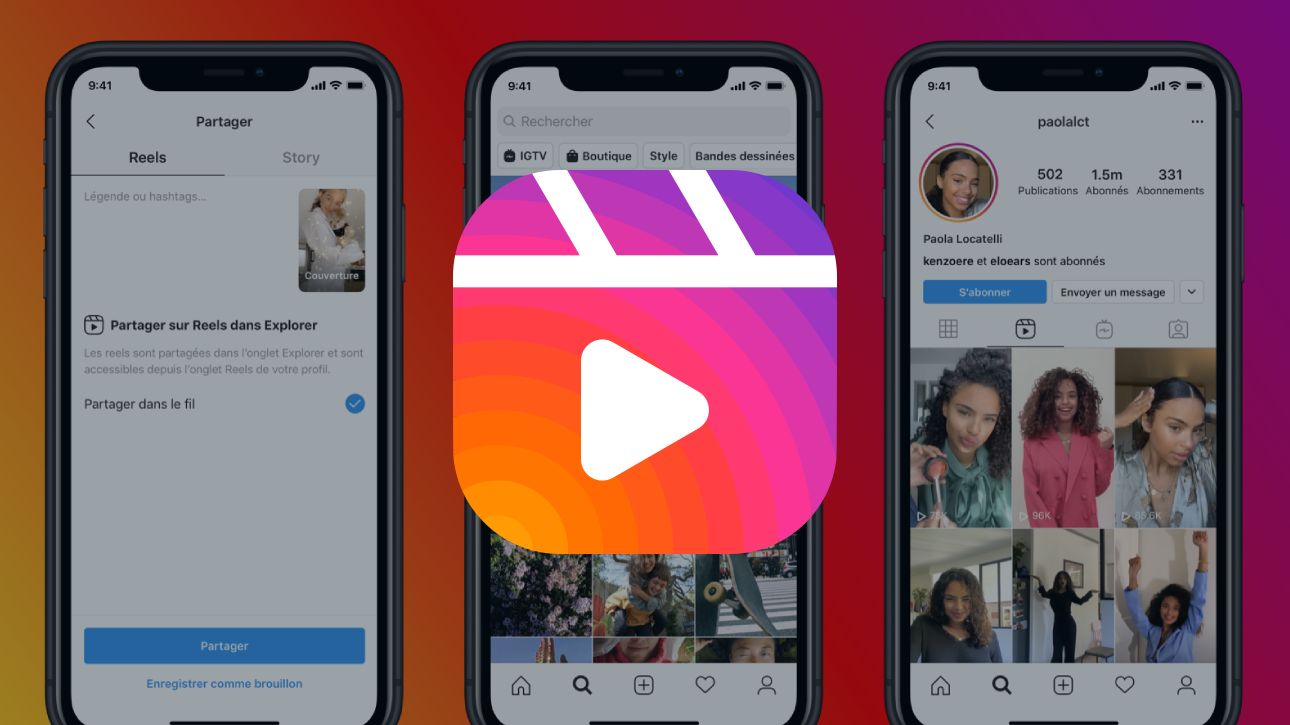
The Instagram Reel It has become one of the most important formats for gaining visibility, reaching new people and energizing a social media presence. A short video can share a tip, show a brand’s behind-the-scenes, explain a method, launch an offer, tell a story, or repurpose existing content.
But publishing a Reel in a hurry rarely yields the best results. A video can be well shot yet lose impact because of a weak hook, a blurry thumbnail, unreadable text, an empty caption, poorly mixed audio, or being posted at the wrong time. That's why it's essential to have a checklist before scheduling an Instagram Reel.
In this guide, you'll discover how to prepare a Reel before publishing, which elements to check, how to choose the right cover, how to write an effective caption, which hashtags to use, how to organize your schedule, and how AuraPost can help you publish your Reels more regularly and with less stress.
Scheduling an Instagram Reel means you no longer have to publish randomly. Instead of creating a video, searching for a caption, picking hashtags and rushing to post, you prepare everything in advance. You can then maintain a more consistent presence, better distribute your content, and post at the time best suited to your audience.
Scheduling is useful for:
For a small business, a freelancer, a creator, or a community manager, scheduling Reels mainly turns content creation into a system. You no longer have to rely solely on your motivation that day.
Many Reels are posted too quickly. The video is ready, so we post it immediately. But at the last moment, we forget to check the framing, text legibility, sound quality, cover, subtitles, or the call to action.
Result: the Reel can lose clarity. The user doesn't immediately understand the topic, leaves the video too quickly, doesn't read the caption, doesn't save the content, and doesn't take action.
Common mistakes are:
A checklist helps you avoid these mistakes before scheduling the video.
Before creating or scheduling a Reel, ask yourself why you're publishing it. A Reel can serve multiple goals, but it should always have one main purpose. Without a goal, the video might look nice but be useless for your strategy.
A Reel can be used to:
If the goal is discovery, focus mainly on the hook and retention. If the goal is sales, work on the problem, the proof, and the call to action. If the goal is community, opt for a more human tone, a question, or behind-the-scenes content.
An effective Reel shouldn't cover too many ideas at once. Short videos work better when they answer a single question or convey a single message. The more specific the topic, the quicker the viewer understands why it's worth watching.
Examples of topics that are too vague:
Examples of more specific topics:
A good topic should be simple to understand and easy to summarize in one sentence.
The first few seconds of a Reel are decisive. The viewer must immediately understand why they should keep watching. A weak hook makes them want to skip to the next video.
A good hook can take several forms:
Sample hooks for an AuraPost Reel:
The hook should be visible in the video, but it can also be repeated in the caption or on the cover.
A Reel is designed to be watched on mobile. The vertical format is therefore the most natural. If you import a horizontal video without adapting it, it may look too small, with empty bars or text that’s hard to read.
Before scheduling your Reel, check:
A Reel can be very simple, but it should look clean. A blurry, poorly framed, or hard-to-follow video gives the impression of sloppy content.
Many users watch videos without sound—on public transport, at work, in waiting rooms, or between activities. If your Reel relies on voice, subtitles are essential.
Effective captions should be:
Subtitles improve comprehension and can increase watch time. They also make your content more accessible to people who can't listen to the audio.
The Reel cover is often overlooked. It affects your profile’s appearance and can entice people to watch the video from the Instagram grid. A good cover should summarize the topic and be easy to read at a glance.
A good cover typically includes:
Cover title examples:
If you post regularly, try to maintain visual harmony across your covers. It makes your profile look more professional.
A Reel's caption shouldn't be mere filler. It can add context, summarize the method, invite comments, or drive action. Even if the video is the main content, the caption still matters to clarify the message.
Simple caption structure:
Example caption:
Have you prepared a Reel but still publish it at the last minute? Before clicking "publish", check the hook, audio, subtitles, cover, caption, hashtags and timing. Save this checklist for your next video and schedule your posts in advance with AuraPost.
A good caption should help users understand and take action. It shouldn't repeat verbatim everything that's already shown in the video.
Hashtags shouldn't be chosen at random. They should match the Reel's topic, your audience, and your industry. It's better to use specific hashtags than overly broad, saturated ones.
For a Reel that explains how to prepare your Instagram videos before publishing, pick a few hashtags directly related to the topic, for example #reelinstagram, #creatingreels, #instagramplanning and #aurapostAdapt this selection to the actual content of each video and to your audience; it's not necessary to copy every hashtag from an example.
Avoid copying the exact same list under all your Reels. Tailor hashtags to the specific topic: carousel, Reel, editorial calendar, launch, productivity, Instagram, TikTok, LinkedIn, or social media strategy.
A Reel can be watched, liked, then forgotten. To prevent that, include a call to action. The user must understand what you expect them to do after watching the video.
Examples of calls to action:
Don't ask for too many actions at once. One clear call to action is enough: save, comment, share, click, or try.
There isn't a single magic time that works for every account. The best time depends on your audience, your country, your industry, and the type of content. A B2B brand may perform better on weekdays, while a lifestyle or entertainment account may do better in the evenings or on weekends.
To start, you can test several time slots:
To learn more about this, check out our guide: best times to post on Instagram, Facebook, LinkedIn and TikTok.
Before scheduling your Reel, check every item on this checklist:
This checklist can be used before every post. Over time, it becomes second nature and prevents last-minute mistakes.
Here is a concrete example for AuraPost:
| Element | Example |
| Objective | Introduce AuraPost to overwhelmed creators |
| Subject | Publish your Reels stress-free |
| Hook | Do you post your Reels at the last minute? |
| Message | Prepare a checklist before publishing |
| Format | Short vertical video |
| Coverage | Checklist Reel |
| CTA | "Save this Reel for your next post" |
| Hashtags | #instagramreels #contentcreation #aurapost |
| Post | Wednesday at lunchtime or in the early evening |
This kind of preparation lets you publish a clearer, more useful video that's better aligned with your strategy.
Creating a Reel every day can become exhausting. A more efficient approach is to batch-produce several videos in a single session. This method is very useful for creators, freelancers, and community managers.
In one creative session, you can:
This approach saves you from starting from scratch every day. You create in batches and then schedule them gradually.
You don't always need to come up with a new idea. A Reel can come from a blog post, a carousel, a newsletter, a customer FAQ, a comment, or an old LinkedIn post.
Examples of recycling:
To learn more, you can read our article: how to repurpose content across multiple social networks without copy-pasting.
A Reel is great for grabbing attention, showing a face, creating movement, explaining something quickly, or reaching a wider audience. A carousel is better suited to structuring a method, making a list, explaining a process, or creating content people will save.
You can use both formats in the same strategy:
If you want to structure your carousels, consult our guide: create an effective Instagram carousel slide by slide.
A Reel shouldn't be isolated. It should be part of a content calendar. That lets you spread topics, avoid repetition, and create progression in your posts.
Example of a balanced week:
| Day | Format | Objective |
| Monday | Reel tip | Grab attention |
| Tuesday | Story question | Foster interaction |
| Wednesday | Carousel | Explain a method |
| Thursday | Behind-the-scenes reel | Humanize the brand |
| Friday | Offer post | Convert |
To build a complete structure, read our guide: 2026 editorial calendar to organize your social media posts.
Creating Reels requires organization. You need to come up with ideas, write scripts, prepare the videos, choose covers, write captions, add hashtags, and post at the right time. If all these steps stay in your head or in scattered notes, you risk forgetting content or publishing in a rush.
AuraPost can help you better structure your social media workflow. You can prepare your ideas, organize your posts, track the content to create, and keep a clear view of your schedule. The goal is not just to publish more, but to publish better.
With a clear method, AuraPost can help you:
To dive deeper into global programming, check out our article: how to schedule your social media posts without wasting time.
Before scheduling a Reel, avoid these common mistakes:
Scheduling shouldn't become so automatic that you forget about quality. Scheduling a bad Reel won't make it any better. First, prepare content that is useful, clear, and tailored to your audience.
After publishing, look at the results. The goal is not just to see if the Reel got views, but to understand why it did or didn't work.
Useful metrics are:
A Reel with many views but no comments or clicks is not as valuable as a Reel with fewer views but multiple contact requests. Analyze the results based on your initial objective.
Here’s a simple template to use before scheduling your Reels:
Titre du Reel :
Objectif :
Audience ciblée :
Accroche :
Message principal :
Durée prévue :
Texte à l’écran :
Sous-titres :
Couverture :
Légende :
Hashtags :
Appel à l’action :
Date de publication :
Heure :
Lien avec le calendrier éditorial :
Statut : idée / à filmer / à monter / prêt / programmé / publié
This sheet can be used for a single Reel or to prepare a full series of content.
Scheduling a Reel lets you publish more regularly, avoid missed posts, prepare videos in advance, and better adhere to your editorial calendar. It's particularly useful for brands, freelancers, creators, and community managers.
You need to check the goal, the hook, the framing, the audio, the subtitles, the thumbnail, the caption, the hashtags, the call to action, the timing, and saving the original file.
The best hook is clear, direct, and tied to a specific problem. It can take the form of a question, a common mistake, a promise, or a line that sparks curiosity.
Yes, it's highly recommended. Many users watch videos without sound. Subtitles improve comprehension, accessibility, and can help maintain attention.
Choose a cover that is legible, clear and consistent with your visual identity. It should summarize the Reel's topic in a few words and entice clicks from your profile grid.
There’s no magic number. The most important thing is to use hashtags that are targeted and consistent with your content. Mix niche, industry/job-related, and brand hashtags, and don’t copy the same list everywhere.
Plan your Reels according to your goals: tips, behind-the-scenes, customer testimonials, offers, tutorials or storytelling. Alternate with carousels, stories and posts to keep a varied presence.
Yes, AuraPost can help prepare ideas, structure the calendar, organize posts, and avoid last-minute posts. The goal is to publish with greater regularity and consistency.
Scheduling an Instagram Reel isn't just about picking a date and time. It's a real preparation step. Before publishing, check the objective, the hook, the format, the audio, the subtitles, the cover, the caption, the hashtags, and the call to action.
A Reel prepared methodically is more likely to be clear, useful, and consistent with your strategy. The checklist helps avoid simple mistakes: unreadable text, weak cover image, empty caption, missing CTA, or posting at random.
With AuraPost, you can organize your ideas, prepare your Reels in advance, and keep a clear view of your social media calendar. Result: you post less at the last minute, save time, and build a more consistent presence on Instagram.