Analyzing the performance of your Facebook posts can quickly become complicated. One video gets a lot of views but few comments. One Reel gains new followers, while another—despite being better produced—remains almost invisible. A text post performs very well one day, then the same format produces no results the following week.
Creators already have detailed analytics, but the numbers don't always answer the most important question: why did one post perform better than another, and what should we publish next?
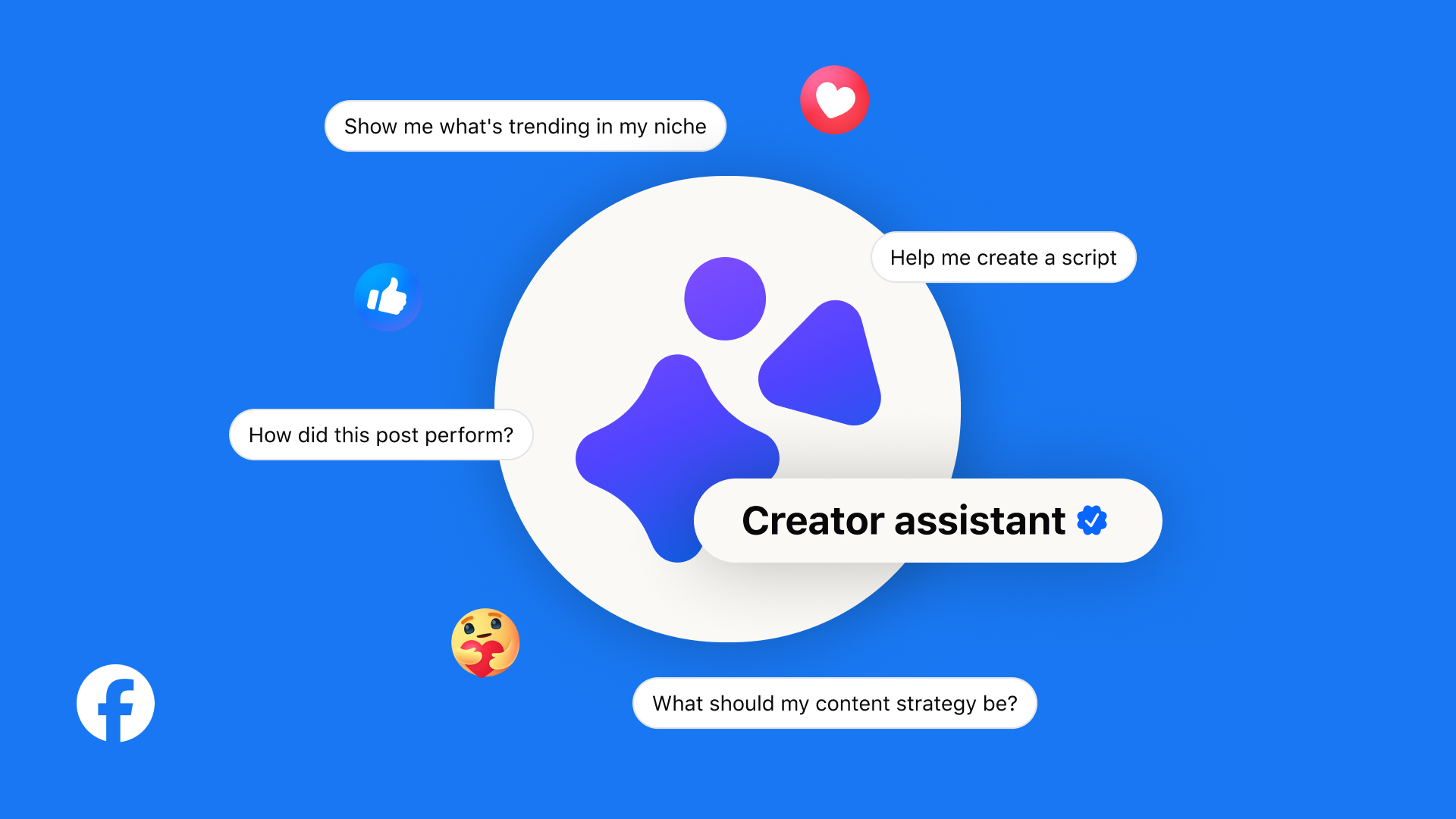
To simplify this analysis, Meta has launched Facebook Creator Assistant, an assistant based on artificial intelligence and integrated into the creators' professional dashboard. Its role is not just to display statistics. It can help interpret results, understand audience trends, find new content angles, and turn past performance into next actions.
In this guide we'll look at what Facebook Creator Assistant is, which questions to ask it, how to use its recommendations, which data to check before making a decision, and how to use AuraPost to turn AI-suggested ideas into properly organized posts.
Key takeaways: Creator Assistant can help analyze and suggest directions, but it doesn't replace your knowledge of the brand, the audience, and business goals. Treat its recommendations as hypotheses to test, not as orders to follow automatically.
Facebook Creator Assistant is a conversational assistant designed to support creators within their professional dashboard. Rather than checking multiple charts separately, the creator can ask it a question in natural language.
For example, you can ask why a Reel got more views, how your audience has changed, or what type of content could help you generate more engagement.
The assistant relies on account-specific information, including:
The goal is to move from simply reading the metrics to a more practical interpretation. Instead of only knowing that a Reel got 50,000 views, the creator can try to understand which elements contributed to its success and how to reproduce some of that performance.
Traditional metrics present data: reach, views, watch time, reactions, comments, shares, subscriptions, or clicks. They're essential, but require manual analysis.
Creator Assistant adds a layer of interpretation. It lets you ask a question and then get an answer based on multiple signals from the account.
| Tool | Main function | Example |
|---|---|---|
| Facebook Statistics | Show data | The Reel got 20,000 views |
| Creator Assistant | Interpret and suggest actions | The Reel performed better thanks to its topic, its opening, or its retention |
| AuraPost | Organize production and publishing | Transform the chosen idea into planned content |
These three levels are complementary: measure, understand, then act.
Creator Assistant is integrated into the Facebook professional dashboard. However, access depends on rollout, country, and account type.
To check its availability:
If the assistant isn't visible yet, that doesn't mean there's a problem with your account. Meta is rolling out its new features gradually.
To learn about the announced features, see the Creator Assistant overview by Meta.
The tool is primarily intended for creators using Facebook's professional features. It may also be of interest to personal brands, entrepreneurs, influencers, artists, media, and professionals who publish regularly.
It can be useful for:
For an agency managing multiple clients, the assistant can provide useful guidance, but the recommendations for each account should remain separate. An idea suited to one page won't automatically be relevant to another.
The quality of the answer depends partly on how precise the question is. Simply asking 'what should I post?' is likely to produce a very general recommendation.
It's better to ask a question related to a specific goal, format, or time frame.
A Reel can perform well for many reasons. You shouldn't automatically attribute its success to the topic or the music.
Creator Assistant can help review several items:
After getting an explanation, don't reproduce the Reel identically. Instead, identify the principle that appears to have worked.
For example, the lesson might be:
Creator Assistant can leverage Facebook trends to suggest new topics, formats, or angles. This feature can be useful when you're facing creative block, but it shouldn't turn every account into a copy of another.
When a trend is suggested, ask yourself:
A good way to use AI is to find a starting point, then enrich the content with expertise, experience, a demonstration, or an original opinion.
The assistant can suggest ideas and help identify topics to develop. But a full editorial calendar requires more information: sales dates, campaigns, available resources, approvals, objectives, and other channels used.
The best method is to use Creator Assistant to generate and analyze ideas, then organize the selected content in AuraPost.
A simple workflow can follow these steps:
To structure this organization, also see our guide how to schedule your social media posts without wasting time.
A recommendation like 'publish more educational content' is still too vague to be directly actionable. It needs to be turned into a topic, format, promise, and call to action.
| Recommendation | Editorial transformation |
|---|---|
| Post more tutorials | Create a series of five Reels showing a specific action |
| Show more behind-the-scenes | Film the preparation of a product or campaign |
| Answer audience questions | Create a weekly FAQ format |
| Publish shorter content | Test 15–25 second videos |
| Encourage comments | End with a concrete, easy-to-understand question |
In AuraPost, each recommendation can become a content card containing:
Plateforme : Facebook
Sujet :
Format :
Recommandation de Creator Assistant :
Hypothèse à tester :
Audience visée :
Accroche :
Message principal :
Appel à l’action :
Date de publication :
Indicateur principal :
Vues :
Temps de visionnage :
Partages :
Commentaires :
Nouveaux abonnés :
Résultat :
Leçon à conserver :
This sheet helps verify whether the recommendation actually produces an improvement. Without follow-up, it becomes hard to know if the idea was relevant or if the result came from another factor.
No. An AI assistant can identify trends and suggest actions, but it doesn't always know all the constraints of your business.
A recommendation may be inappropriate if:
Categorize the recommendations into three groups:
Creator Assistant can encourage creators to continually optimize their content for reach. However, the content that produces the most views isn't always the content that generates the most sales, inquiries, or trust.
Your calendar should include several types of posts:
An account made up solely of content designed to maximize views may attract a large audience that is not very interested in the actual offering.
The important metrics depend on the objective of the post.
| Objective | Priority metrics |
|---|---|
| Awareness | Reach, views, new people reached |
| Caution | Watch time, retention, completion rate |
| Engagement | Comments, shares, reactions |
| Growth | New followers, profile visits |
| Traffic | Clicks, site visits |
| Conversion | Messages, requests, sign-ups, or sales |
Before asking Creator Assistant how to improve a post, clarify the desired objective. A video optimized for views won't necessarily be structured the same as a post intended to generate business inquiries.
Comparing view counts alone can lead to misleading conclusions. Two posts may have been published on different days, reached different audiences, or been created with different objectives.
For a more useful comparison, check:
Then ask the assistant to explain the discrepancies by considering multiple metrics, not just a single number.
Facebook prioritizes original content and aims to reduce the visibility of copies or minimally transformed posts. For creators, that means a strategy based solely on reusing videos found elsewhere is riskier.
Use Creator Assistant to identify the traits of your own high-performing content, then create new posts based on your experience.
Original content can include:
To learn how to repurpose content without simply copy-pasting, read our article how to repurpose content across multiple social networks.
An idea suggested by Creator Assistant can be useful on other platforms, but it needs to be adapted to each platform's context.
In AuraPost, keep the core idea and then create a different version for each platform. That way you won't publish exactly the same text and video everywhere.
Let's say Creator Assistant identifies three insights:
The AuraPost calendar could then become:
| Day | Content | Objective |
|---|---|---|
| Monday | 20-second tutorial Reel | Attention and reach |
| Wednesday | Behind-the-scenes post with a question | Comments and community closeness |
| Friday | Case study with concrete results | Credibility and profile visits |
| Sunday | Question to the community | Understand upcoming needs |
AI doesn't just create a list of ideas. Here it helps link each piece of content to a goal and an observed metric.
This is an AI-powered assistant integrated into the Facebook professional dashboard. It helps creators interpret their performance and find ideas suited to their account.
Deployment has begun in some countries ahead of an announced expansion to other markets. Check your professional dashboard directly, as availability may change.
Yes, the assistant is designed to link multiple account data points and suggest an interpretation of performance. Its conclusions should, however, be treated as hypotheses to verify.
Yes. It can suggest angles and formats based on the creator's style, their audience, their goals, and trends observed on Facebook.
No. It can speed up analysis and brainstorming, but a community manager is still needed to understand the brand, coordinate campaigns, check messaging and adapt the strategy.
Creator Assistant mainly analyzes performance and provides Facebook-related recommendations. AuraPost lets you organize ideas, prepare a calendar, and structure posts across multiple networks.
No. Each recommendation should be checked against the goals, available resources, brand identity, and desired outcomes.
Meta has announced the return of a redesigned, AI-powered version of Facebook Creator Studio. Its rollout and exact features may vary by account and by country.
AI recommendations only become truly useful when turned into clear actions. With AuraPost, you can centralize your ideas, define objectives for each piece of content, draft your copy, and organize your schedule across multiple platforms.
Facebook Creator Assistant marks a new milestone in creators' use of artificial intelligence. The tool doesn't just generate text: it seeks to interpret each account's performance and suggest appropriate actions.
For a creator or a business, this assistance can save time. It lets you ask questions directly, understand the gaps between different pieces of content, and find ideas inspired by the page’s actual results.
However, you should maintain a critical approach. Recommendations must remain consistent with objectives, brand identity, and audience expectations. An AI suggestion should be tested, measured, and documented before becoming a new editorial rule.
The most effective approach is to combine tools: Facebook measures performance, Creator Assistant helps interpret it, and AuraPost turns the best ideas into a structured editorial calendar. AI provides the ideas, but strategy, creativity and the final decision remain in your hands.